
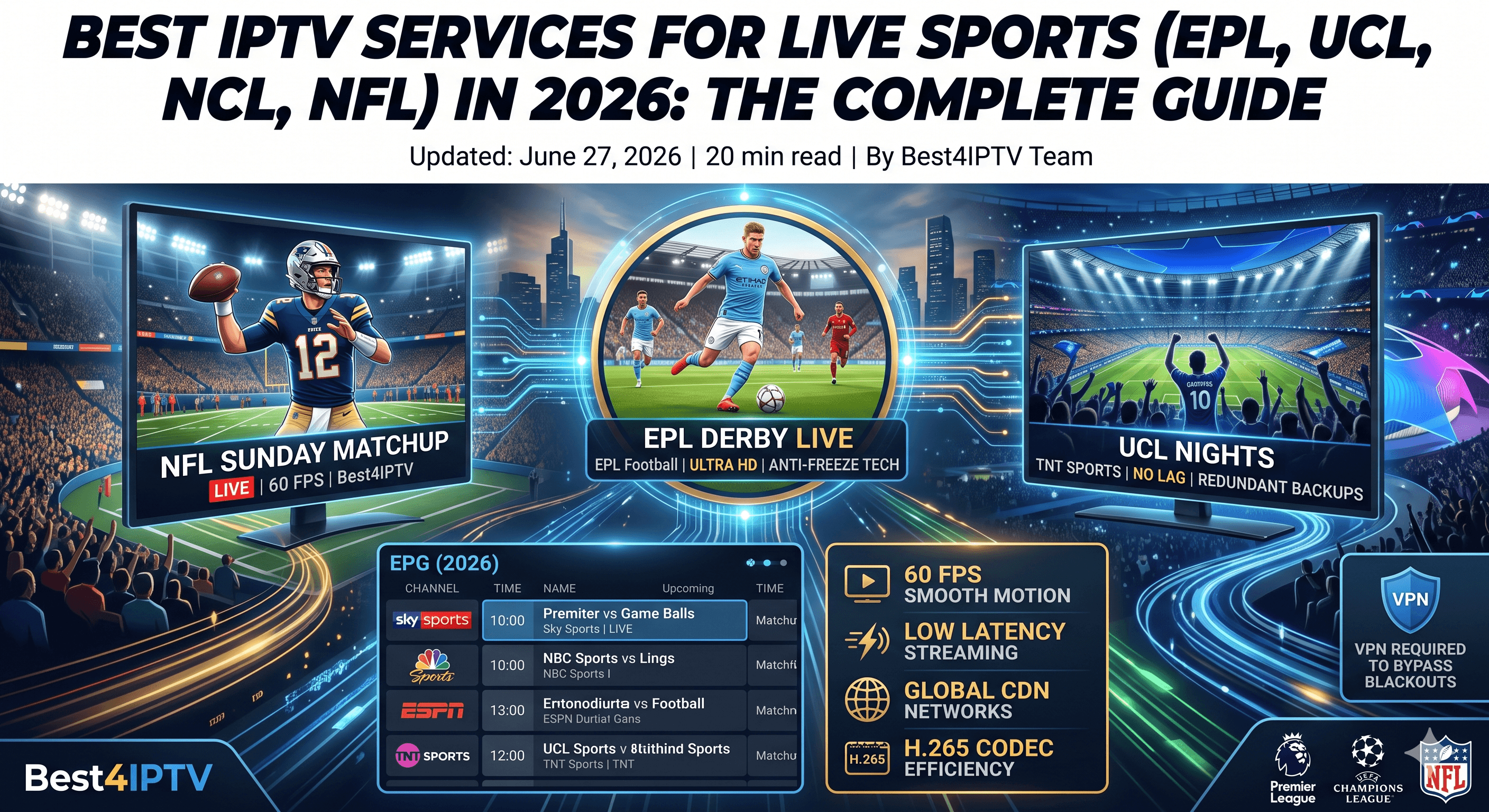
For sports fans, lag is the ultimate dealbreaker. Watching a critical English Premier League (EPL) derby, UEFA Champions League (UCL) final, or NFL Sunday matchup only for the stream to freeze right before a goal or touchdown is infuriating.
Traditional cable subscriptions and official standalone apps cost hundreds of dollars monthly and split games across various packages. Because of this, millions of sports enthusiasts are turning to IPTV. However, not all IPTV services are equal. Live sports streaming requires massive server capacity, low latency, and high framerates (60 FPS) to maintain fluid motion.
📋 Table of Contents
- • What Makes an IPTV Service Good for Sports?
- • 30 FPS vs. 60 FPS: Why it Matters for Sports
- • Sports Streaming Comparison Matrix
- • Major Sports Coverage: Leagues & Channels
- • Why Best4IPTV is the #1 Service for Live Sports
- • Crucial Tips to Avoid Sports Streaming Lag
- • Bypassing Blackouts with a VPN
- • Instant Troubleshooting During a Match
- • Frequently Asked Questions (FAQ)
⚠️ What Makes an IPTV Service Good for Sports?
Unlike static TV shows or movies on VOD, live sports are demanding broadcast streams. If you want a smooth experience, ensure your provider checks these boxes:
- 60 Frames Per Second (FPS): Normal TV runs at 30 FPS. While this is fine for news, live sports with fast-moving footballs, hockey pucks, or racing cars will look blurry and stutter. 60 FPS is mandatory for a crisp, realistic motion layout.
- Redundant Backup Channels: Premium servers have backup sources. If the main Sky Sports or ESPN channel goes down during a heavy-traffic match, the system automatically redirects to an alternate stream.
- Low Latency (Anti-Freeze Tech): Anti-freeze servers distribute load dynamically to prevent latency spikes, which are the main cause of the buffering wheel of death.
⏱️ 30 FPS vs. 60 FPS: Why it Matters for Sports
In the world of video streaming, FPS stands for **Frames Per Second**. It represents the number of static images (frames) your screen draws every single second to create a moving picture.
Most standard IPTV channels are broadcast in **1080p at 30 FPS**. This works perfectly for talk shows, news broadcasts, and slow-paced movies. However, when you watch live sports—where a soccer ball is kicked at 70 mph, or an NFL quarterback throws a 50-yard pass—30 FPS is simply not fast enough.
At 30 FPS, the ball will appear to "teleport" or look blurry on your screen because the frame gap is too large. By doubling the framerate to **60 FPS**, the motion becomes twice as smooth. You can track the ball clearly, the camera pans look natural, and it feels like you are sitting in the stadium.
Technical Note: Delivering 60 FPS requires double the bandwidth and processing power on the provider's servers. That is why cheap, low-cost IPTV services only offer 30 FPS or lower.
📊 Sports Streaming Comparison Matrix
Here is a comparison of what you get with free/cheap streams vs. premium sports IPTV networks:
📺 Major Sports Coverage: Leagues & Channels
When choosing an IPTV package, you want to ensure it has the exact channels that broadcast your favorite sports. Here is a detailed breakdown of the sports coverage included in our packages:
1. English Premier League (EPL) & UK Football
UK football is split across multiple expensive networks. Our packages include:
- Sky Sports Channels: Sky Sports Premier League, Sky Sports Main Event, Sky Sports Football (All in 60 FPS).
- TNT Sports: TNT Sports 1, 2, 3, and 4 (including the Champions League broadcasts).
- Amazon Prime Video Sports: Special feeds for the winter matches.
- NBC Sports & USA Network: For US-based commentary of the EPL matches.
2. NFL & US Major Leagues
American sports fans require access to various local and national networks:
- NFL RedZone: The ultimate Sunday viewing experience, showing every touchdown from every game live without commercial breaks.
- Local Networks: CBS Sports, FOX Sports, and NBC Sports local affiliates (to watch your hometown team).
- ESPN & ESPN 2: For Monday Night Football and college sports.
- NBA League Pass & MLB Extra Innings: Dedicated packages for basketball and baseball fans.
3. UEFA Champions League (UCL) & European Cups
Catch every mid-week Champions League, Europa League, and Conference League clash via:
- Paramount+ (USA): Streamlining all European Cup matches.
- Canal+ & BeIN Sports: Premium French and Middle Eastern sports coverage.
- DAZN: German and Italian sports coverages.
🏆 Why Best4IPTV is the #1 Service for Live Sports
At **Best4IPTV**, we have built a network infrastructure tailored specifically for fast-paced live events. Here is how we ensure you never miss a play:
1. H.265 / HEVC Streaming Codecs
We broadcast our streams using the modern H.265 (HEVC) compression codec. This technology allows us to deliver high-quality 1080p and 4K streams at 60 FPS using up to **50% less internet bandwidth** than older H.264 streams, minimizing buffering risks on slower networks.
2. Global CDN Architecture
By utilizing a distributed Content Delivery Network (CDN), we route your streaming request to the server closest to your physical location (whether you are in the US, UK, Canada, or Europe). This minimizes packet transit times and prevents lags.
3. Complete EPG Integration
Our Electronic Program Guide (EPG) updates dynamically. You don't have to search blindly for a game; our dashboard tells you exactly what match is playing on which channel and includes local kickoff times.
⚙️ Crucial Tips to Avoid Sports Streaming Lag
If you want to ensure a completely smooth broadcast during a major game when millions of viewers are online:
- Hardwire Your Device: Connect your Smart TV or Android device via an Ethernet cable. Wi-Fi drops packages easily, leading to stream drops.
- Activate a Premium VPN: ISPs frequently throttle high-bandwidth live feeds during weekends and major matches. A VPN hides your streaming traffic, preventing throttling. Read our VPN Guide for details.
- Use Tivimate or Our Official App: These clients support hardware acceleration (HW decoding), which renders high FPS video feeds cleanly. Check out the IPTV Players List to choose a good app.
🗺️ Bypassing Local Blackout Rules with a VPN
If you live in the United States or Canada, you are probably familiar with **sports blackouts**.
Local television networks pay billions for exclusive rights to broadcast a team's games in their home market. Because of this, regional streaming apps are legally forced to "black out" the stream if you live in that team's home area (e.g., trying to watch a New York Yankees game while living in New York).
The Fix:By connecting to a VPN server located in another state or country (e.g., connecting to a Chicago server to watch a New York game), you mask your location. The streaming server thinks you are in Chicago, allowing you to watch the game without blackout restrictions.
🚨 Instant Troubleshooting During a Match
If a stream buffers or freezes right in the middle of a crucial penalty shootout or play, do not panic. Follow this emergency checklist:
- Switch Channels: Most premium IPTV providers have backup versions of major channels (e.g., "Sky Sports PL Back"). Switch to the backup channel to see if it is more stable.
- Change the Video Format: If your internet is struggling, switch from the 4K or FHD version of the channel to the HD or SD version. It uses less data and will stop buffering.
- Restart the App: Close the app fully, clear its RAM, and launch it again. This clears playback buffer bottlenecks.
❓ Frequently Asked Questions (FAQ)
Why does the stream lag only when a big match starts?
When millions of people stream the same event, standard servers get overloaded. Additionally, ISPs actively monitor peak traffic times and throttle speed. Using a premium provider with load-balanced servers like Best4IPTV and a high-quality VPN bypasses both bottlenecks.
What is the difference between 30 FPS and 60 FPS for sports?
FPS determines how many frames are rendered per second. For sports, 60 FPS makes fast motion look completely smooth and natural. At 30 FPS, the motion of a tennis or football ball will look jittery or choppy, making it harder to track.
Do I have to pay extra for UFC or Boxing PPV cards?
No. With Best4IPTV, all PPV events are included in your standard subscription packages at no additional cost. We dedicate special channels to broadcast these events live in full high definition.
What is a catch-up feature in sports IPTV?
Catch-up is a built-in DVR feature that allows you to replay live TV broadcasts. If you missed a live game that aired yesterday, you can navigate back in time on your EPG guide and play the recording of the game instantly.
Never Miss a Touchdown or Goal Again
Upgrade to the ultimate sports streaming service. Get access to 25,000+ live global channels, PPVs, and matches in true HD and 4K at 60 FPS.
- 60 FPS HD Sports channels (Sky, ESPN, TNT, DAZN)
- Anti-Freeze Load-Balanced Servers for buffer-free viewing
- PPV Events included with zero additional cost